

Why Immersive Audio Matters in Multiplayer Games
Immersive audio in multiplayer games makes every gameplay experience unforgettable. Learn how Boom 3D improves gaming audio with its top-notch features.




Experience 3D Surround Sound, Bass Boost &
Precision Equalizer.





Boom 3D pour Mac et Windows est une application d'amélioration audio professionnelle primée, conçue pour lire votre contenu multimédia avec des effets 3D incroyables sur N'IMPORTE QUEL casque, à partir de n'importe quel lecteur, n'importe quel média ou service de streaming. Vous n'aurez pas besoin d'un casque coûteux ou d'un amplificateur de son surround pour ressentir votre musique !
Tous vos films en 3D surround sans matériel coûteux ni amplificateur d'enceintes. D'un murmure lointain à un coup de feu, Boom 3D capture chaque détail, dans toute sa clarté et sa netteté.




Le son surround 3D de Boom transforme votre ordinateur de bureau en amplificateur de musique, donnant une nouvelle vie à votre musique, apportant clarté et basses profondes à chaque note, comme le ferait un amplificateur de basses ou comme un artiste souhaitait que sa musique soit entendue.



Tous vos films en 3D surround sans matériel coûteux ni amplificateur d'enceintes. D'un murmure lointain à un coup de feu, Boom 3D capture chaque détail, dans toute sa clarté et sa netteté.

Le son surround 3D de Boom transforme votre ordinateur de bureau en amplificateur de musique, donnant une nouvelle vie à votre musique, apportant clarté et basses profondes à chaque note, comme le ferait un amplificateur de basses ou comme un artiste souhaitait que sa musique soit entendue.

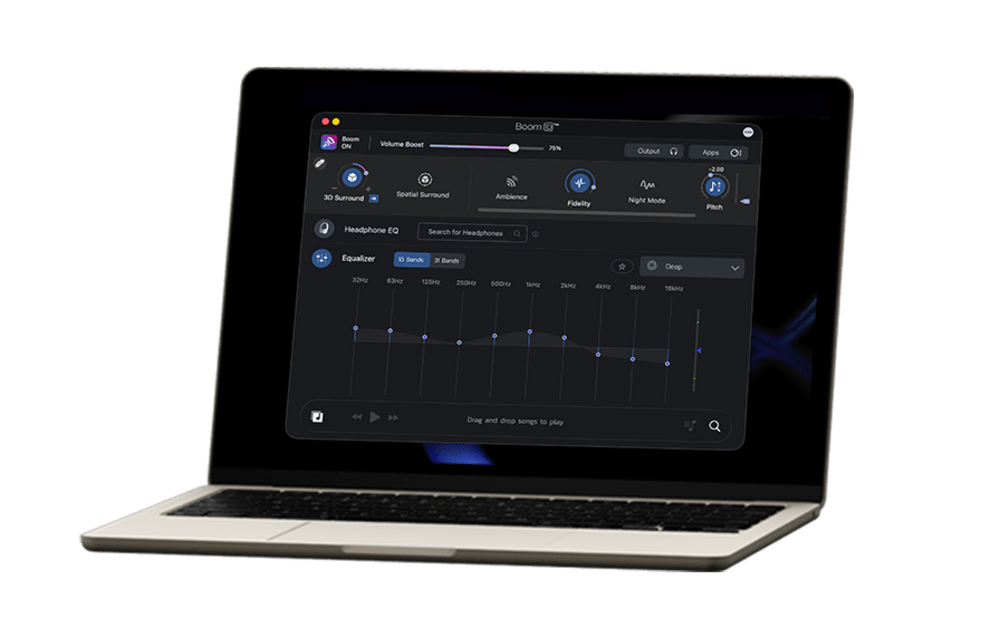
Get more immersive and dynamic listening experience with 5.1 surround sound support in Boom 3D Mac.

Use headphones for a better experience.
5.1 Surround
Stereo
Immerse yourself in an unforgettable audio experience with 5.1 multichannel audio support.
It’s time to feel the realistic vibe of your audio!


Améliorez le son de votre système grâce aux fonctions d'amélioration audio de classe mondiale de Boom.

Profitez des films, des jeux et de la musique grâce à la technologie 3D Surround qui offre un son surround virtuel époustouflant sans casque spécial ni amplificateur de son surround coûteux pour augmenter le volume.

Un égaliseur avancé à 31 bandes pour un réglage audio précis. Boom 3D pour Mac et Windows propose également une gamme de préréglages soigneusement conçus pour correspondre à différents genres et goûts d'écoute individuels.

Boom 3D pour Mac est un booster de volume à l'échelle du système qui augmente en toute sécurité le volume au-delà de ses limites normales pour offrir une expérience audio intense et riche sans aucun compromis sur la qualité audio.

Boom 3D vous permet de gérer les niveaux et les volumes audio des applications individuelles et de vivre une expérience ininterrompue de film/jeu/musique.

Lisez vos chansons stockées localement avec des effets Boom imbattables grâce à notre lecteur audio complet et créez des listes de lecture pour organiser vos collections de musique, comme si vous aviez votre propre application de lecteur de musique.

Rejoignez Boom pour bénéficier d'un accès gratuit à plus de 20 000 stations de radio Internet locales et internationales dans 120 pays.










 Mac
Mac  Windows
Immersive audio in multiplayer games makes every gameplay experience unforgettable. Learn how Boom 3D improves gaming audio with its top-notch features.

Boom 3D for Mac gaming improves RPGs, action, and strategy games with 3D surround sound, Headphone EQ, 31-band equalizer, audio effects, and more.
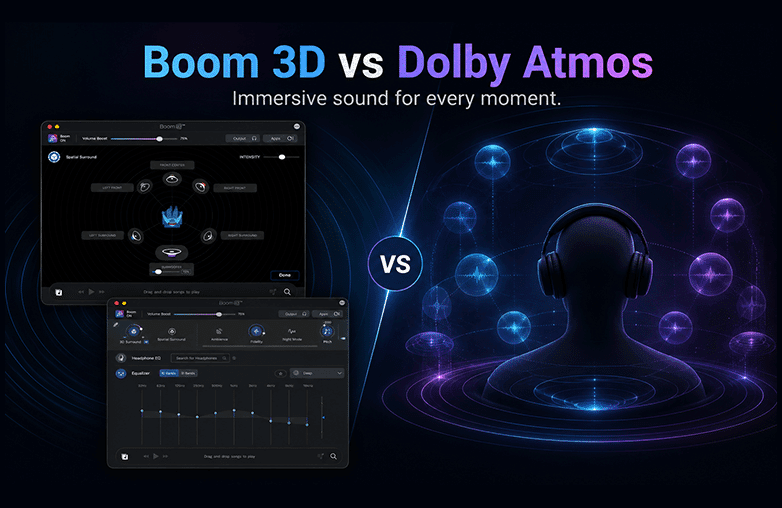
Boom 3D vs Dolby Atmos for Headphones. Want to know which one is the best for you? Read on to learn about their features, sound quality, and more.
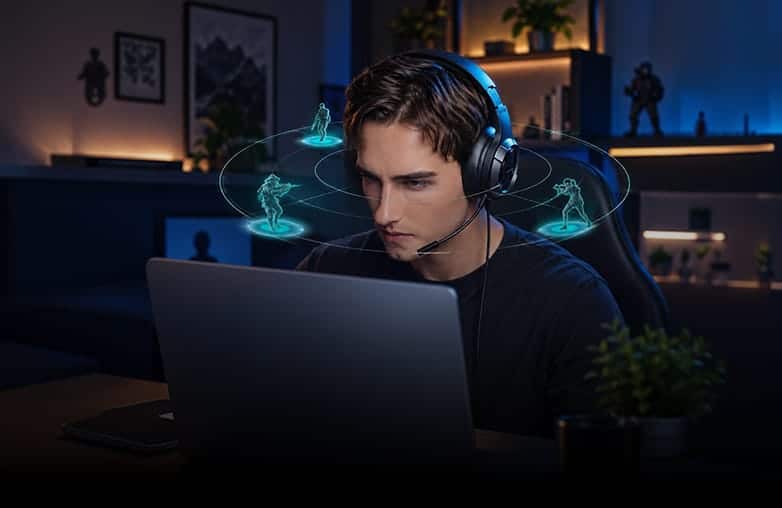
Boom 3D for strategy games can make battles, music, and alerts more immersive. Boom 3D enhances sound with 3D surround and other features.
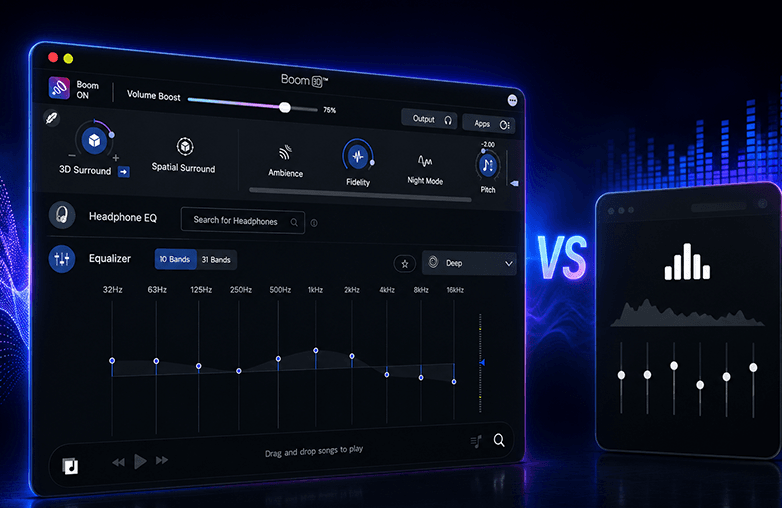
Boom 3D vs FXSound: Are you looking for the best audio enhancer? If yes, this blog is for you. Read on to know which is the best audio enhancement software.
Right EQ settings can transform sound by improving clarity, bass, balance, and vocals. Learn why the right equalizer matters. Read on!
Boom 3D is an audio enhancement app that improves sound quality on your Mac and Windows. It offers 3D surround sound and helps customize sound with other powerful features. Boom 3D offers an immersive, theatre-like experience on ANY headphones.
Boom 3D enhances sound quality using 3D surround sound to offer an immersive listening experience, and offers an equalizer to fine-tune sound settings. It enhances sound in real time, making music, movies, and games sound richer and more detailed.
Yes, Boom 3D works with almost all headphones and speakers. It is designed to enhance audio on any connected audio device. However, the experience may vary depending on the quality of your headphones.
Yes, Boom 3D works with all major apps. It enhances system-wide audio. Whether it’s music, videos, or streaming, the audio gets improved automatically with better clarity, bass, and 3D surround sound.
Yes, Boom 3D is available for both Mac and Windows. However, its features may vary between Mac and Windows.
One license activates on up to 4 devices across platforms; manage via your Boom account profile.
Yes, Boom 3D helps gamers hear footsteps, explosions, and environmental sounds more clearly with its immersive 3D audio and custom EQ settings.
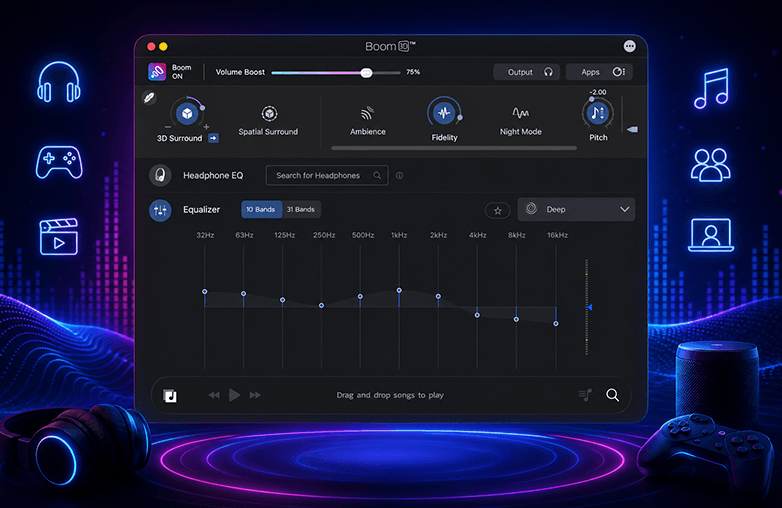
Yes, Boom 3D offers a 10-band or 31-band equalizer that lets you adjust different sound frequencies like bass, mids, and treble. It also offers ready-to-use presets, so you can quickly choose a sound style to customize to your preference.
Yes, you can create custom EQ presets in Boom 3D. You can adjust the equalizer settings to your liking and save them; you can reuse or edit them anytime.
Boom 3D is compatible with ANY headphones. It also offers a Headphone EQ feature that supports over 5000 headphone models. This feature will automatically adjust sound to match each headphone's characteristics.
Yes, Boom 3D is safe to install and use. It does not damage your speakers or headphones when used responsibly
Music sounds better with Boom 3D because it enhances sound using 3D surround sound, equalizer tuning, and volume boosting. It makes vocals clearer, balances bass, and improves overall sound quality. Boom 3D adds depth and space to the audio, so the sound feels more immersive.
Yes, Boom 3D can be used for movies and TV shows. It helps enjoy clearer dialogue and immersive 3D surround sound, giving a theater-like experience at home.
Boom 3D does more than just adjust sound. It adds 3D surround sound, boosts volume, and enhances overall audio, not just frequencies.
Yes, Boom 3D works offline. However, features like internet radio or updates will require internet access.

Download Boom 3D for older versions of macOS