

Why Immersive Audio Matters in Multiplayer Games
Immersive audio in multiplayer games makes every gameplay experience unforgettable. Learn how Boom 3D improves gaming audio with its top-notch features.




Experience 3D Surround Sound, Bass Boost &
Precision Equalizer.





Boom 3D für Mac und Windows ist eine preisgekrönte Pro Audio Verbesserungs-App, die konzipiert wurde, um Ihre Medieninhalte mit unglaublichen 3D-Effekten auf ALLEN Headphones, mit jedem Player, allen Medien und Streaming-Services wiederzugeben. Sie benötigen keine teuren Headphones oder Surround Sound Verstärker mehr, um Ihre Musik zu fühlen!
Alle Ihre Filme mit 3D Surround ohne teure Hardware oder Lautsprecher-Verstärker. Von einem Flüstern aus der Ferne bis zu einem Kanonenschuss, Boom 3D nimmt jedes Detail mit Schärfe und Klarheit auf.




Der Surround Sound von Boom 3D verwandelt Ihren Desktop in einen Musik-Verstärker und verleiht Ihrer Musik ein ganz neues Leben. Es gibt jeder Note Klarheit und einen tiefen Bass, genau wie es ein Bass-Verstärker tun würde oder eben so, wie der Künstler möchte, dass seine Musik gehört wird.



Alle Ihre Filme mit 3D Surround ohne teure Hardware oder Lautsprecher-Verstärker. Von einem Flüstern aus der Ferne bis zu einem Kanonenschuss, Boom 3D nimmt jedes Detail mit Schärfe und Klarheit auf.

Der Surround Sound von Boom 3D verwandelt Ihren Desktop in einen Musik-Verstärker und verleiht Ihrer Musik ein ganz neues Leben. Es gibt jeder Note Klarheit und einen tiefen Bass, genau wie es ein Bass-Verstärker tun würde oder eben so, wie der Künstler möchte, dass seine Musik gehört wird.

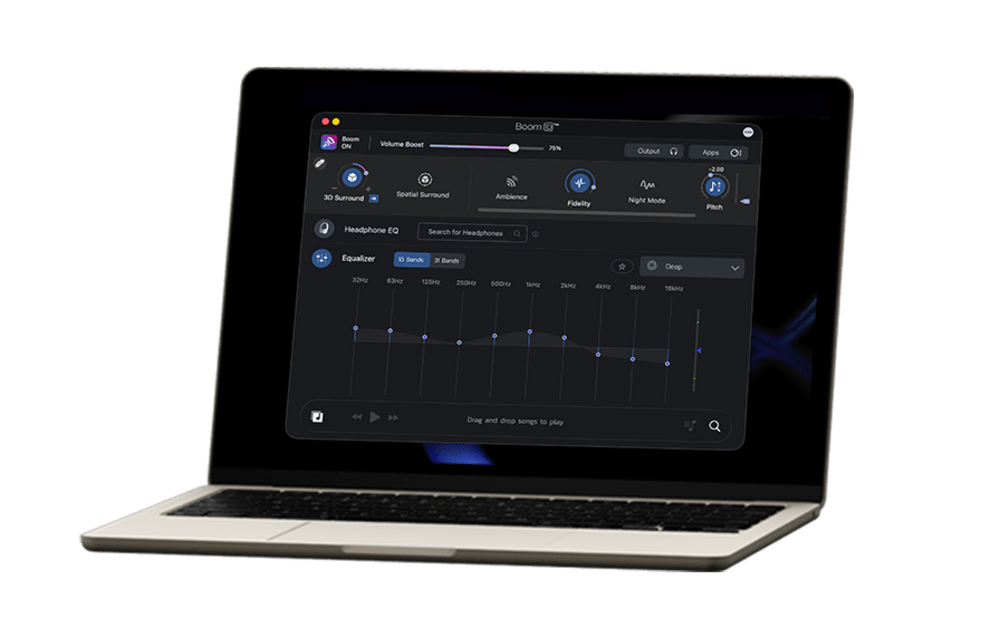
Get more immersive and dynamic listening experience with 5.1 surround sound support in Boom 3D Mac.

Use headphones for a better experience.
5.1 Surround
Stereo
Immerse yourself in an unforgettable audio experience with 5.1 multichannel audio support.
It’s time to feel the realistic vibe of your audio!


Optimieren Sie Ihr systemweites Audio mit den Audioverbesserungs-Features von Boom

Erleben Sie Filme, Spiele und Musik mit der 3D Surround Technologie, die einen atemberaubenden virtuellen Surrond Sound ohne besondere Headphones oder teure Surround Sound Verstärker bietet, um die Lautstärke zu erhöhen.

Ein fortschrittlicher 31-Band-Equalizer für präzises Audio-Tuning. Boom 3D für Mac und Windows bietet auch eine Reihe von sorgfältig handgemachten Voreinstellungen, um sich an die verschiedenen Genres und die individuellen Hörgeschmäcker anzupassen.

Boom 3D für Mac ist ein systemweiter Lautstärke-Verstärker, der die Lautstärke sicher über die normalen Begrenzungen hinaus erhöht, um somit ein intensives und reichhaltiges Audioerlebnis ohne Kompromisse bei der Audoqualität bietet.

Boom 3D erlaubt es Ihnen, die Audio-Stufen und Lautstärken für die individuelle Anwendung zu verwalten, sodass Sie ein nahtlosen und ununterbrochenes Film-, Spiel und Musik-Erlebnis haben.

Die Wiedergabe Ihrer lokal gespeicherten Songs erfolgt mit den unschlagbaren Boom-Effekten in unserem vollwertigen Audio-Player. Erstellen Sie Playlists, um Ihre Musik-Sammlungen zu organisieren, sodass es dann zu Ihrer eigenen, persönlichen Musik-Player-App wird.

Holen Sie sich Boom, um kostenlosen Zugriff auf mehr als 20.000 lokalen und internationalen Internet-Radio-Stationen in 120 Ländern zu erhalten.










 Mac
Mac  Windows
Immersive audio in multiplayer games makes every gameplay experience unforgettable. Learn how Boom 3D improves gaming audio with its top-notch features.

Boom 3D for Mac gaming improves RPGs, action, and strategy games with 3D surround sound, Headphone EQ, 31-band equalizer, audio effects, and more.
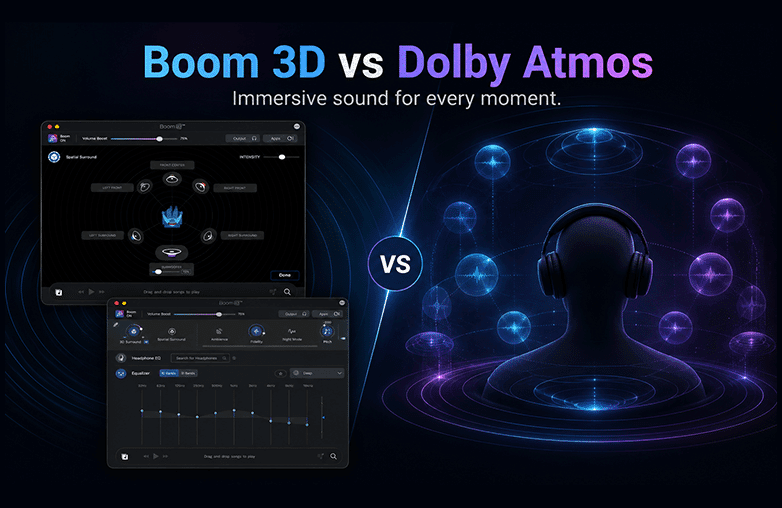
Boom 3D vs Dolby Atmos for Headphones. Want to know which one is the best for you? Read on to learn about their features, sound quality, and more.
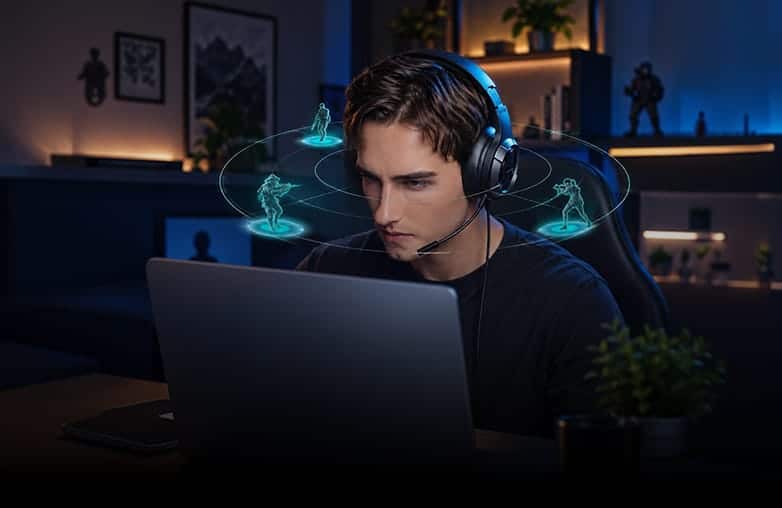
Boom 3D for strategy games can make battles, music, and alerts more immersive. Boom 3D enhances sound with 3D surround and other features.
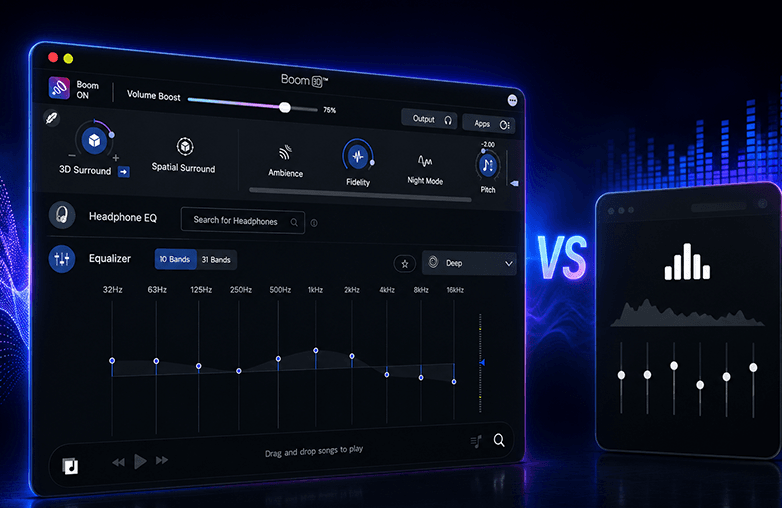
Boom 3D vs FXSound: Are you looking for the best audio enhancer? If yes, this blog is for you. Read on to know which is the best audio enhancement software.
Right EQ settings can transform sound by improving clarity, bass, balance, and vocals. Learn why the right equalizer matters. Read on!
Boom 3D is an audio enhancement app that improves sound quality on your Mac and Windows. It offers 3D surround sound and helps customize sound with other powerful features. Boom 3D offers an immersive, theatre-like experience on ANY headphones.
Boom 3D enhances sound quality using 3D surround sound to offer an immersive listening experience, and offers an equalizer to fine-tune sound settings. It enhances sound in real time, making music, movies, and games sound richer and more detailed.
Yes, Boom 3D works with almost all headphones and speakers. It is designed to enhance audio on any connected audio device. However, the experience may vary depending on the quality of your headphones.
Yes, Boom 3D works with all major apps. It enhances system-wide audio. Whether it’s music, videos, or streaming, the audio gets improved automatically with better clarity, bass, and 3D surround sound.
Yes, Boom 3D is available for both Mac and Windows. However, its features may vary between Mac and Windows.
One license activates on up to 4 devices across platforms; manage via your Boom account profile.
Yes, Boom 3D helps gamers hear footsteps, explosions, and environmental sounds more clearly with its immersive 3D audio and custom EQ settings.
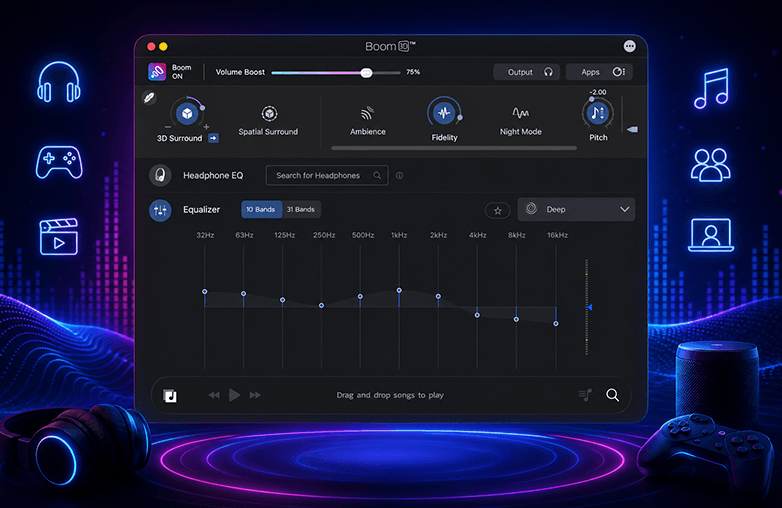
Yes, Boom 3D offers a 10-band or 31-band equalizer that lets you adjust different sound frequencies like bass, mids, and treble. It also offers ready-to-use presets, so you can quickly choose a sound style to customize to your preference.
Yes, you can create custom EQ presets in Boom 3D. You can adjust the equalizer settings to your liking and save them; you can reuse or edit them anytime.
Boom 3D is compatible with ANY headphones. It also offers a Headphone EQ feature that supports over 5000 headphone models. This feature will automatically adjust sound to match each headphone's characteristics.
Yes, Boom 3D is safe to install and use. It does not damage your speakers or headphones when used responsibly
Music sounds better with Boom 3D because it enhances sound using 3D surround sound, equalizer tuning, and volume boosting. It makes vocals clearer, balances bass, and improves overall sound quality. Boom 3D adds depth and space to the audio, so the sound feels more immersive.
Yes, Boom 3D can be used for movies and TV shows. It helps enjoy clearer dialogue and immersive 3D surround sound, giving a theater-like experience at home.
Boom 3D does more than just adjust sound. It adds 3D surround sound, boosts volume, and enhances overall audio, not just frequencies.
Yes, Boom 3D works offline. However, features like internet radio or updates will require internet access.

Download Boom 3D for older versions of macOS